Best WebWave Alternatives for Startups: 2026 Guide
Editorial Team··9 min read

Table of Contents
- Why Startups Look Beyond WebWave
- Quick Comparison: Best WebWave Alternatives for Startups
- Aleyo: AI Website Design for Startups That Need Speed
- How to Choose a Website Builder for a Startup
- Website Builder Pricing Comparison for Startups
- Other WebWave Alternatives Worth Considering
- Conclusion
- Frequently Asked Questions
Last Updated: September 23, 2026
Why Startups Look Beyond WebWave
WebWave built its reputation on a genuinely useful idea: a freeform canvas where you drag elements anywhere and the builder writes the code behind them. For a certain kind of designer, that freedom is the whole point. For most early-stage founders, it becomes the problem.
The friction shows up in predictable places. Freeform canvases make responsive layouts harder to hold together, because every element you place by hand still has to behave itself on a phone. Add in the time cost of designing, writing, and wiring a site while you are also trying to win your first customers, and the appeal of a builder that does more of the work for you becomes obvious. That is the gap webwave alternatives are filling in 2026, and it is why so many founders now start their search with AI website design for startups rather than a blank canvas.
This guide from Aleyo compares the realistic options and which type of startup each suits.
Quick Comparison: Best WebWave Alternatives for Startups
The table below summarises the main options before we dig into each one.
| Builder | Starting Price | Standout Strength | Main Trade-off | Best For |
|---|---|---|---|---|
| Aleyo | Contact for pricing | Four AI agents run planning, design and build | Newer platform | Founders who want speed and no code |
| Wix | £17.00/month | Huge template and app library | Templates lock once live | General-purpose startup sites |
| Webflow | Contact for pricing | Professional-grade design control | Steep learning curve | Teams with a designer |
| Hostinger | £2.99/month | Very low entry cost | Limited deep customisation | Quick, cheap launches |
| WordPress | £9.00/month | Total ownership and flexibility | You handle maintenance | Long-term scalability |
| Squarespace | Contact for pricing | Strong design templates | Less flexible editing | Brand-led, content-heavy sites |
| Booqable | £29.00/month | Built for rentals and bookings | Narrow focus | Rental and booking businesses |
| Framer | Contact for pricing | Design-first publishing | Weak for complex shops | Design-led products |
| Carrd | Contact for pricing | Simple one-page sites | Single page only | Testing an idea fast |

Aleyo: AI Website Design for Startups That Need Speed
Aleyo is a website development platform built for founders who find traditional site creation too slow and too technical. Instead of handing you a canvas and wishing you luck, it runs four specialist AI agents in sequence: Piper, Delta, Wren and Dex handle planning, design, engineering and content between them.
The practical difference is where the work happens. You edit word by word on a live workspace, so changes appear on the real page rather than in a preview pane you have to publish to see. New accounts get 60 free credits on sign-up, which is enough to test the whole flow before committing.
What most reviews miss is that the harder problem for startups is not design, it is everything after launch. Aleyo keeps traffic, conversion and SEO health visible in the same place you built the site, and generates brand assets and marketing content without a separate tool. Lead capture and management are built in, so a landing page and its follow-up live together.
If you want a professional site live quickly, Aleyo is a strong pick here.
How to Choose a Website Builder for a Startup
Choosing a website builder for a startup comes down to three questions: who will maintain the site, how fast you need it live, and whether you will ever need to leave. Answer those honestly and the shortlist writes itself.
Work through this checklist before you commit:
- Who edits the site day to day, and can they write code?
- Does the builder generate a responsive layout automatically, or do you fix mobile by hand?
- Can you export your content and code if you switch later?
- Does it include SEO tools, or do you need a plugin stack?
- What is the true monthly cost once you add a domain and e-commerce?
- Is there human support, or only a knowledge base and forums?
One insider point worth knowing: the freeform-canvas style of builder that made WebWave popular is the hardest kind to keep responsive. Builders that generate layout structure for you tend to produce cleaner mobile results with far less fiddling.
Website Builder Pricing Comparison for Startups
Website builder pricing varies for startups, and the headline number rarely tells the full story. Cheap plans often exclude e-commerce, custom domains or the SEO features you will want within months.
The lesson from the pricing table is simple: compare the cost of the site you will need in twelve months, not the one you need today. A £2.99 plan that forces a migration in year two is more expensive than a mid-tier plan you never outgrow.
The lesson from the pricing table is simple: compare the cost of the site you will need in twelve months, not the one you need today. A £2.99 plan that forces a migration in year two is more expensive than a mid-tier plan you never outgrow.
Other WebWave Alternatives Worth Considering
Beyond the headline options, several builders suit specific startup situations better than a general-purpose tool.
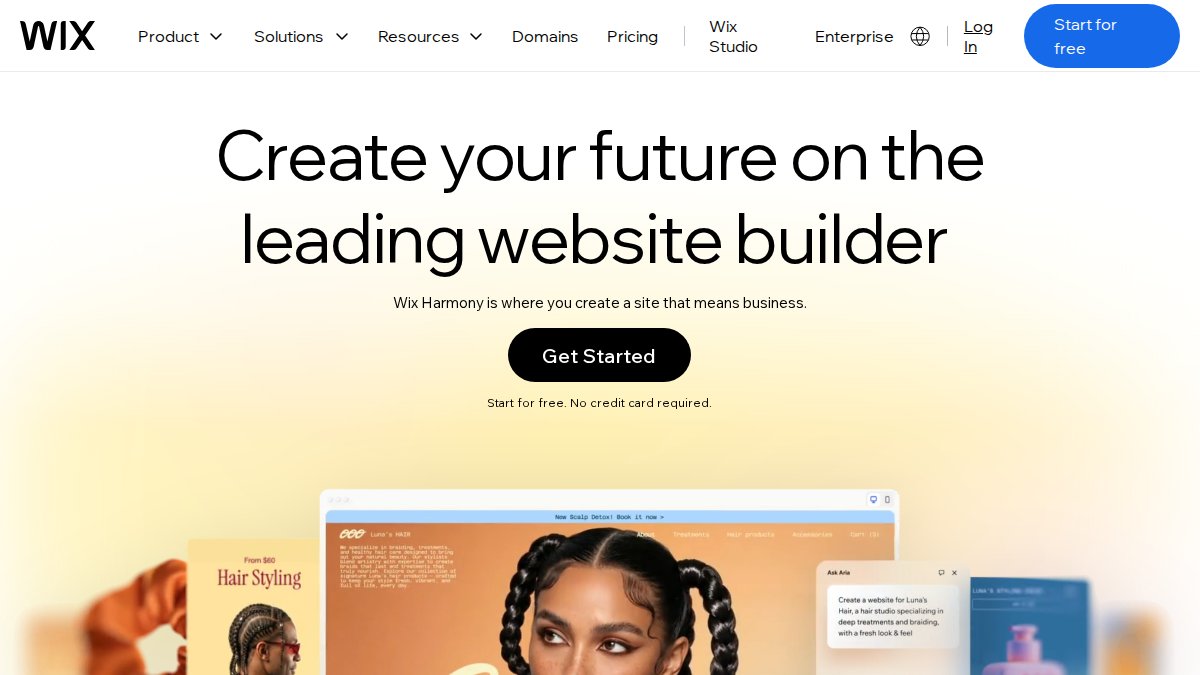
Wix remains the default answer for founders who want a familiar drag-and-drop editor with a vast template library. The catch is that templates are not interchangeable once a site is live, so choose carefully at the start.
Webflow gives designers near-total control and outputs clean code. If you have design resource in-house, it is excellent. If you do not, the learning curve will eat your launch window.
Hostinger Website Builder is the budget play, with AI-assisted setup and a very low entry price. Customisation runs out faster than on the more advanced platforms.
WordPress offers full ownership and infinite extensibility, at the cost of handling your own maintenance and security updates.
Squarespace wins on templates and an all-in-one business suite, though editing is less flexible than a true drag-and-drop tool.
Booqable is purpose-built for rental and booking businesses, and a poor fit for anything else.
Framer publishes directly from a design canvas and performs well, but struggles with complex e-commerce.
Carrd is the fastest way to put a single professional page online to test an idea, and nothing more.
Conclusion
The real decision is not which builder has the prettiest editor, it is which one gets a professional site live without demanding skills you do not have. Most startups lose weeks to that gap, and weeks are the one resource you cannot buy back.
Aleyo was built for exactly that problem. Four AI agents handle planning, design, engineering and content, a live workspace lets you edit the real page word by word, and 60 free credits let you test it before you commit. Traffic, conversion and SEO health stay visible after launch, so you are not guessing whether the site is working.
Start building with Aleyo and get your startup online in the time you would otherwise spend choosing a template.
Frequently Asked Questions
Is WebWave suitable for professional startup websites?
WebWave offers a visual editor and free tier, but startups often outgrow it when they need advanced AI automation, multi-site management or deeper e-commerce features. The best webwave alternatives for startups prioritise scalability and integrated tools. If you plan to add a blog, product listings or automated SEO content, check that your chosen platform supports those natively before committing.
What are the main limitations of WebWave for scaling businesses?
Common limitations include limited AI-driven content generation, fewer advanced e-commerce integrations and less flexibility for managing multiple client sites. As a startup grows, you may need features like automated inventory syncing, real-time SEO monitoring and brand asset generation. Platforms built with AI website design for startups can handle those tasks without requiring you to hire a developer or stitch together separate tools.
Which website builder offers the best AI integration for startups?
AI integration varies widely. Some builders offer basic AI text suggestions, while others use multiple AI agents to handle planning, design and engineering in sequence. Aleyo, for example, uses four specialist agents (Piper, Delta, Wren and Dex) and provides a live workspace where you edit word by word. When comparing, look for tools that automate planning, design and SEO monitoring, not just copywriting.
How do I choose the right website builder for my business needs?
Start by listing your must-haves: e-commerce, blogging, multi-site management or lead capture. Then check whether the builder handles those natively or requires paid add-ons. Consider your technical comfort level, how much time you can spend on setup and whether you need AI assistance. Finally, review exit options. A platform that lets you export your site or content reduces the risk of being locked in.
Do I need coding skills to use modern website builders?
Most modern builders are designed for non-coders. Drag-and-drop editors, AI-generated layouts and template libraries mean you can launch a professional site without writing HTML or CSS. However, if you want deep customisation, some platforms (like Webflow) have a steeper learning curve. For startups with limited technical expertise, choose a builder that offers a visual canvas and real-time editing.
FAQs
- WebWave offers a visual editor and free tier, but startups often outgrow it when they need advanced AI automation, multi-site management or deeper e-commerce features. The best webwave alternatives for startups prioritise scalability and integrated tools. If you plan to add a blog, product listings or automated SEO content, check that your chosen platform supports those natively before committing.
- Common limitations include limited AI-driven content generation, fewer advanced e-commerce integrations and less flexibility for managing multiple client sites. As a startup grows, you may need features like automated inventory syncing, real-time SEO monitoring and brand asset generation. Platforms built with AI website design for startups can handle those tasks without requiring you to hire a developer or stitch together separate tools.
- AI integration varies widely. Some builders offer basic AI text suggestions, while others use multiple AI agents to handle planning, design and engineering in sequence. Aleyo, for example, uses four specialist agents (Piper, Delta, Wren and Dex) and provides a live workspace where you edit word by word. When comparing, look for tools that automate planning, design and SEO monitoring, not just copywriting.
- Start by listing your must-haves: e-commerce, blogging, multi-site management or lead capture. Then check whether the builder handles those natively or requires paid add-ons. Consider your technical comfort level, how much time you can spend on setup and whether you need AI assistance. Finally, review exit options. A platform that lets you export your site or content reduces the risk of being locked in.
- Most modern builders are designed for non-coders. Drag-and-drop editors, AI-generated layouts and template libraries mean you can launch a professional site without writing HTML or CSS. However, if you want deep customisation, some platforms (like Webflow) have a steeper learning curve. For startups with limited technical expertise, choose a builder that offers a visual canvas and real-time editing.