Best Website Builder for Small Business 2026: Top 8 Picks
Editorial Team··12 min read

Table of Contents
- Quick Comparison: Best Website Builders for Small Business 2026
- How We Evaluated These Platforms
- 1. Aleyo: AI Website Design That Builds and Manages Your Site
- 2. Wix: Flexible Drag-and-Drop With Powerful AI Tools
- 3. Squarespace: Polished Templates for Creative Businesses
- 4. Shopify: The E-Commerce Specialist
- 5. WordPress.org: Total Control for Long-Term Growth
- 6. Webflow: Professional Design Without Code
- 7. Hostinger Website Builder: The Budget Option
- 8. Framer and IONOS: Two Specialist Alternatives
- How to Build a Business Website Quickly
- Frequently Asked Questions
Last Updated: September 12, 2026
Quick Comparison: Best Website Builders for Small Business 2026
Choosing the best website builder for small business 2026 comes down to one question: how much control do you actually need, and how much time do you have to spend getting it? This guide from Aleyo compares platforms on price, ease of use, and the features that matter to small teams.
Quick Picks:
- Best Overall: Aleyo, automated design, build, and SEO monitoring in one workspace
- Best for Budget: Hostinger Website Builder, the lowest entry cost on this list
- Best for E-Commerce: Shopify, purpose-built for selling at scale
- Best for Design Control: Webflow, professional-grade layouts without code
| Platform | Starting Price | Free Tier | Best For |
|---|---|---|---|
| Aleyo | Pricing on request | 60 free credits | Automated build and management |
| Wix | £10/month | Yes | Design flexibility |
| Squarespace | £14/month | No | Creative portfolios |
| Shopify | £25/month | No | Online retail |
| WordPress.org | Free (hosting applies) | Yes | Long-term control |
| Webflow | £12/month | Yes | Bespoke design |
| Hostinger | £2.59/month | No | Tight budgets |
| Framer | £8/month | Yes | Visual impact |
| IONOS | £1/month (introductory) | No | Hands-on support |
How We Evaluated These Platforms
Every platform here was scored against four criteria that decide whether a small business website actually succeeds: setup time, total monthly cost, built-in SEO and compliance features, and how far the site can scale before you outgrow it.
A common mistake is picking on price alone. The cheapest builder often costs more in the long run once you add the apps, hosting, and paid plugins needed to match what an all-in-one platform includes by default. Where a platform struggles with UK data protection requirements, that counts against it too, since any site collecting customer details needs to meet ICO guidance on data protection standards from day one.
1. Aleyo: AI Website Design That Builds and Manages Your Site
Aleyo is an AI website design platform that plans, designs, and engineers your site automatically, then keeps monitoring it after launch. Four specialist agents, Piper, Delta, Wren, and Dex, work in sequence through the build, and the live workspace lets you edit copy word by word directly on the canvas.
For small teams, the appeal is what happens after launch. Real-time traffic, conversion, and SEO health monitoring sit alongside integrated modules for blogging, branding, and e-commerce. Sign-up includes 60 free credits to test the workflow before committing.

Pros and Cons
Pros:
- Automated planning, design, and engineering in one pass
- Live workspace with word-by-word editing on the canvas
- Built-in SEO, traffic, and conversion monitoring
- 60 free credits on sign-up
Cons:
- Pricing is quoted per project, so you need to request a figure
- Newer to the market than the legacy builders below
2. Wix: Flexible Drag-and-Drop With Powerful AI Tools
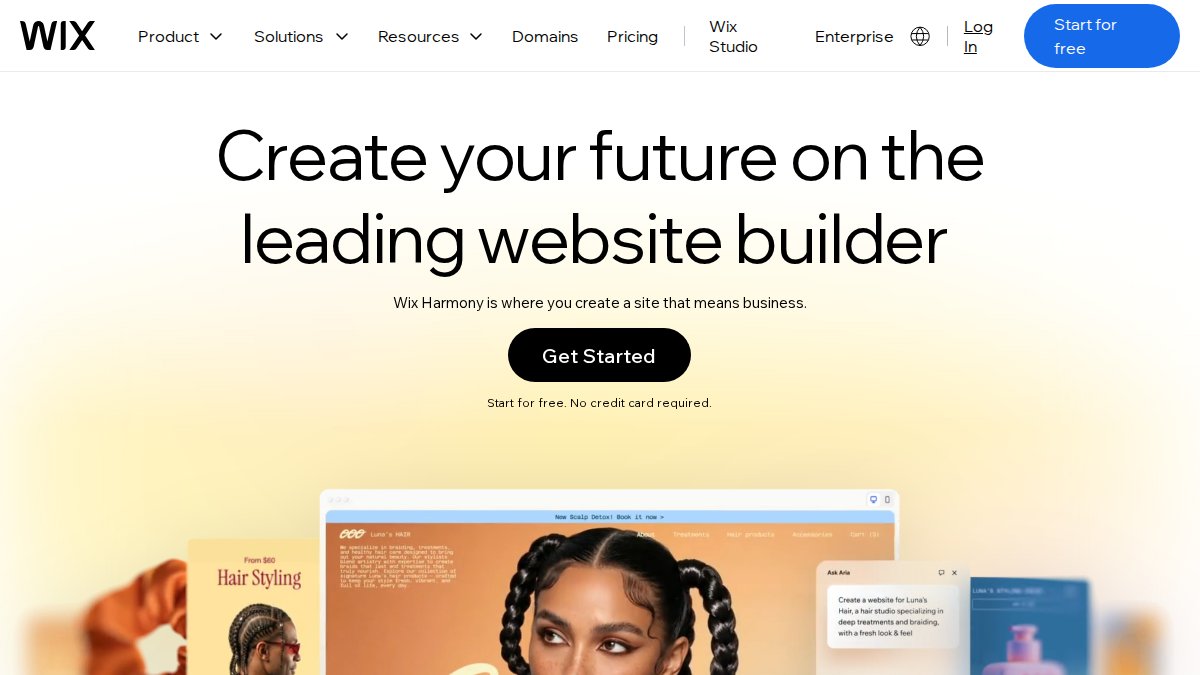
Wix remains the default choice for anyone who wants to place every element by hand. Its drag-and-drop editor gives full design freedom, and the AI site generator produces a workable starting layout in minutes. The app market is the largest of any builder here, which matters once you need booking systems or membership areas.
The catch is structural: once your site is live, you cannot swap templates. That single limitation is why so many Wix sites get rebuilt from scratch after two years. Starting at £10/month with a free tier, it suits businesses that want to experiment before paying.
Pros and Cons
Pros:
- Highly intuitive interface for non-designers
- Powerful AI design assistance
- Extensive app market for integrations
Cons:
- Template cannot be changed once the site is live
3. Squarespace: Polished Templates for Creative Businesses
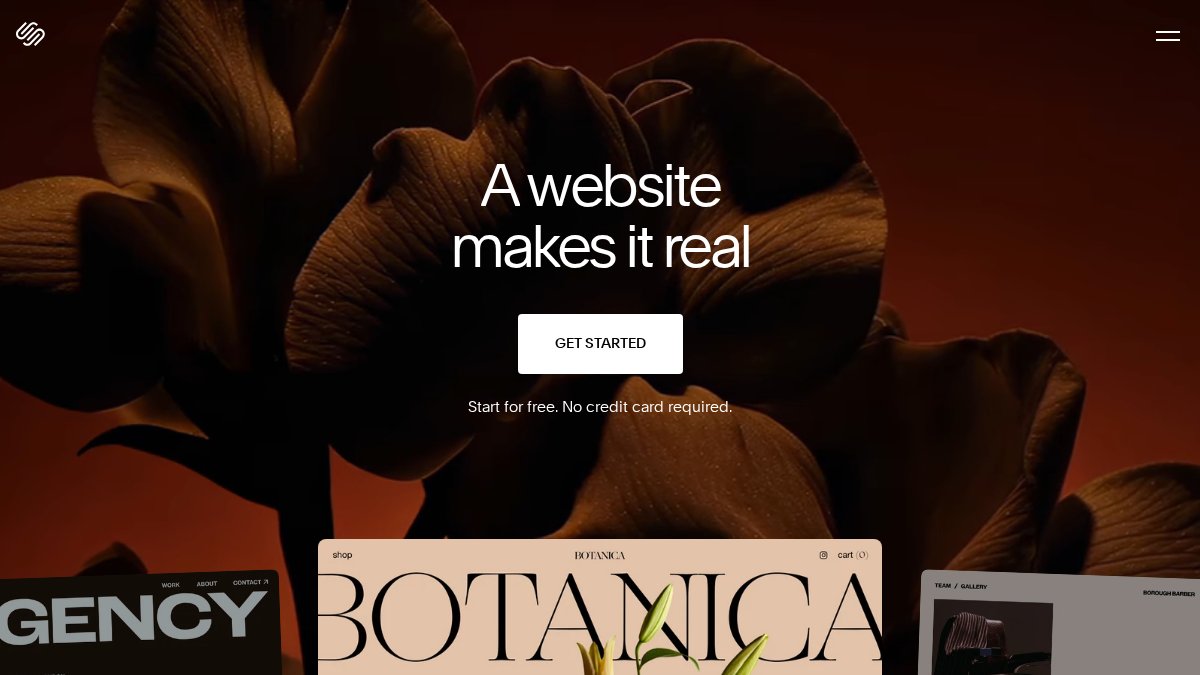
Squarespace sells on aesthetics, and it earns that reputation. The responsive templates are the strongest in this comparison, and blogging, e-commerce, and SEO tools come integrated rather than bolted on. Creative studios, photographers, and consultancies tend to get a presentable site faster here than anywhere else.
What you give up is flexibility. The editor constrains layout decisions, which is a feature for some and a frustration for others. From £14/month with no free tier, it is priced for businesses that value finish over fiddling.
Pros and Cons
Pros:
- Superior visual design quality out of the box
- Excellent all-in-one functionality
- Strong built-in SEO and marketing features
Cons:
- Less flexible than pure drag-and-drop builders
4. Shopify: The E-Commerce Specialist
Shopify is not a general website builder, and treating it as one wastes money. It is an e-commerce platform with inventory management, secure payment gateways, and global shipping and tax calculation built in. If your site exists to sell products, nothing else on this list matches its retail infrastructure.
The trade-off is cost and scope. At £25/month before apps, it is the priciest option here, and advanced features push that higher. For content-led businesses with a small shop attached, a general builder will usually serve you better.

Pros and Cons
Pros:
- Industry-leading e-commerce features
- strong app ecosystem for retail
- Reliable payment and shipping tooling
Cons:
- Higher monthly costs for advanced features
5. WordPress.org: Total Control for Long-Term Growth
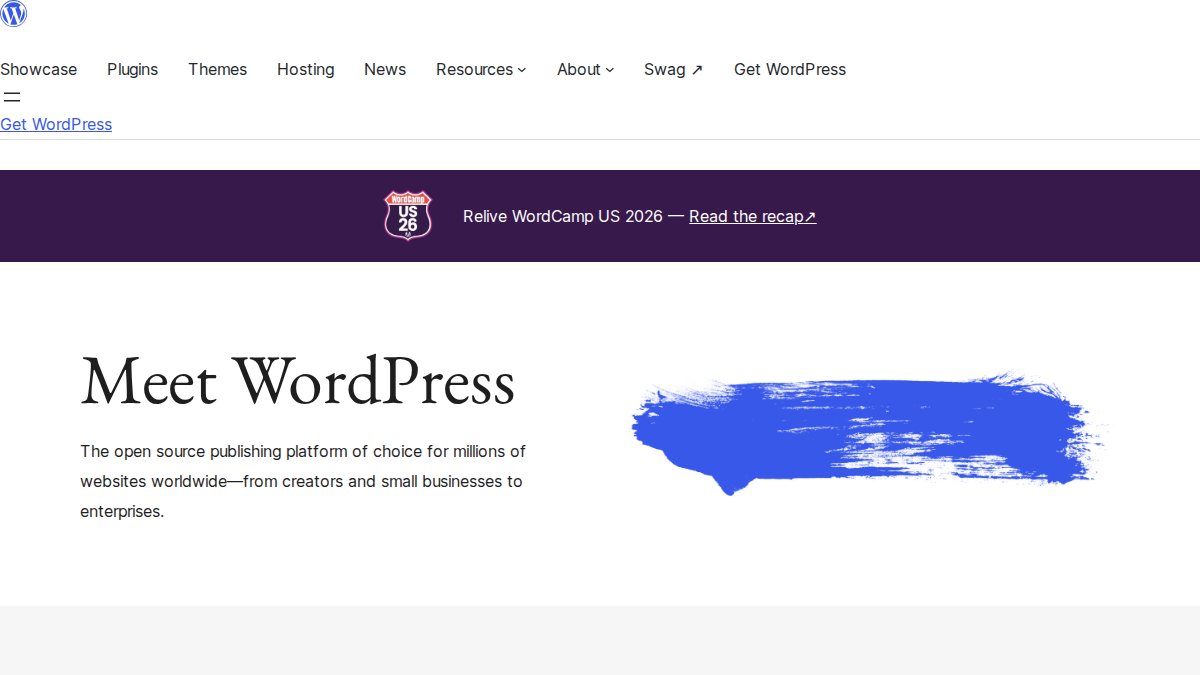
WordPress.org is a self-hosted content management system, not a hosted builder, and that distinction defines everything about it. You own the data, choose your own hosting, and can customise every line of the site through thousands of themes and plugins. For businesses planning five years ahead, that control is worth the effort.
The learning curve is real. Beginners routinely underestimate the maintenance burden: updates, security, backups, and plugin conflicts all land on you. The software is free, but hosting and premium plugins add up quickly.
Pros and Cons
Pros:
- Limitless customisation through themes and plugins
- Excellent for long-term SEO
- Full ownership of your website data
Cons:
- Steep learning curve for beginners
- Ongoing maintenance is your responsibility
6. Webflow: Professional Design Without Code
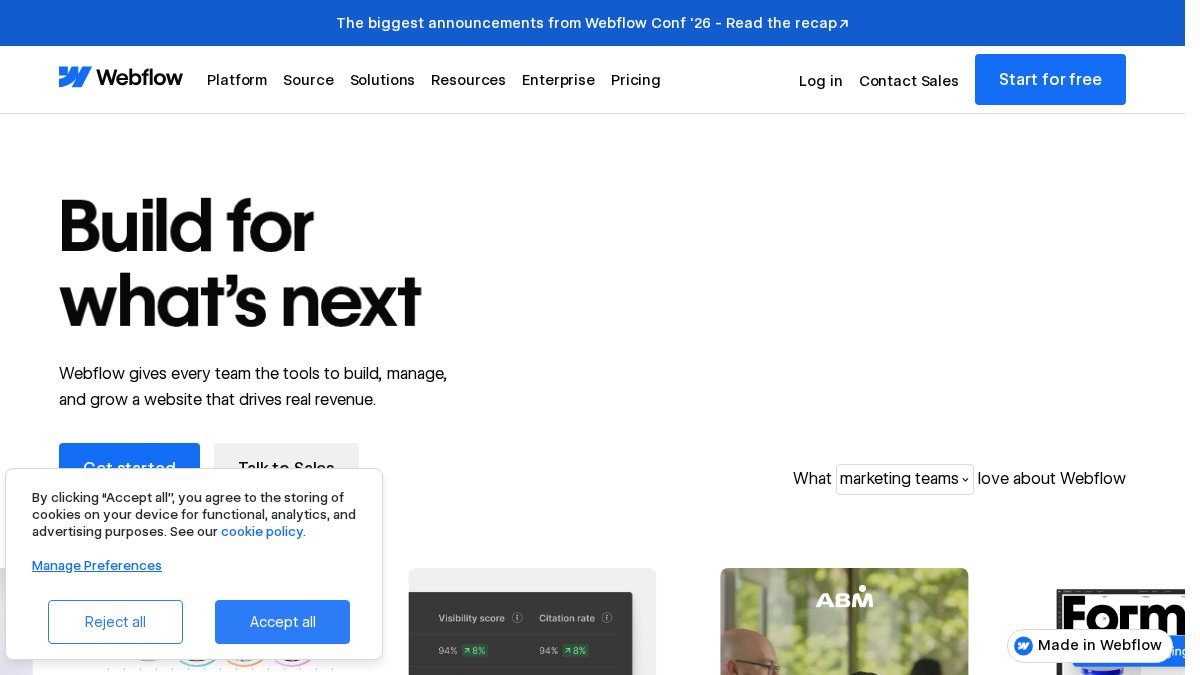
Webflow gives designers the control of professional software with the output of clean, production-ready code. The visual canvas handles complex layouts, the CMS manages dynamic content, and hosting performance is among the best available. Agencies building bespoke marketing sites gravitate here for good reason.
It is not a beginner tool. Mastering Webflow takes genuine study, and the pricing climbs with site complexity. From £12/month with a free tier, it rewards businesses that already have design capability in-house.
Pros and Cons
Pros:
- Unmatched design control
- High-performance hosting
- Clean, production-ready code generation
Cons:
- Requires technical knowledge to master
7. Hostinger Website Builder: The Budget Option
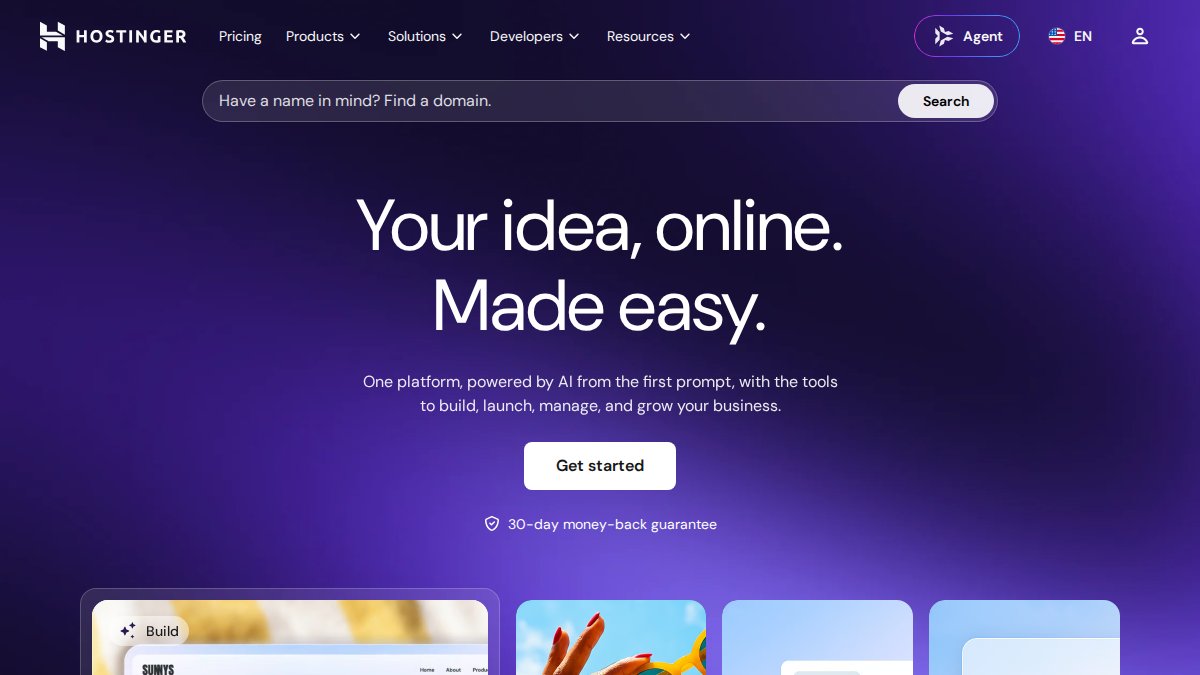
Hostinger undercuts everything else here at £2.59/month, and for a startup testing an idea, that price is hard to argue with. AI-driven creation, integrated marketing tools, and fast-loading templates cover the basics competently, and setup takes an afternoon rather than a week.
Where it falls short is depth. Advanced features are limited compared to the platforms above, and businesses that grow quickly tend to migrate within a couple of years. If you know your needs are simple, it does the job.
Pros and Cons
Pros:
- Extremely competitive pricing
- Simple setup process
- Integrated marketing tools
Cons:
- Limited advanced features compared to competitors
8. Framer and IONOS: Two Specialist Alternatives
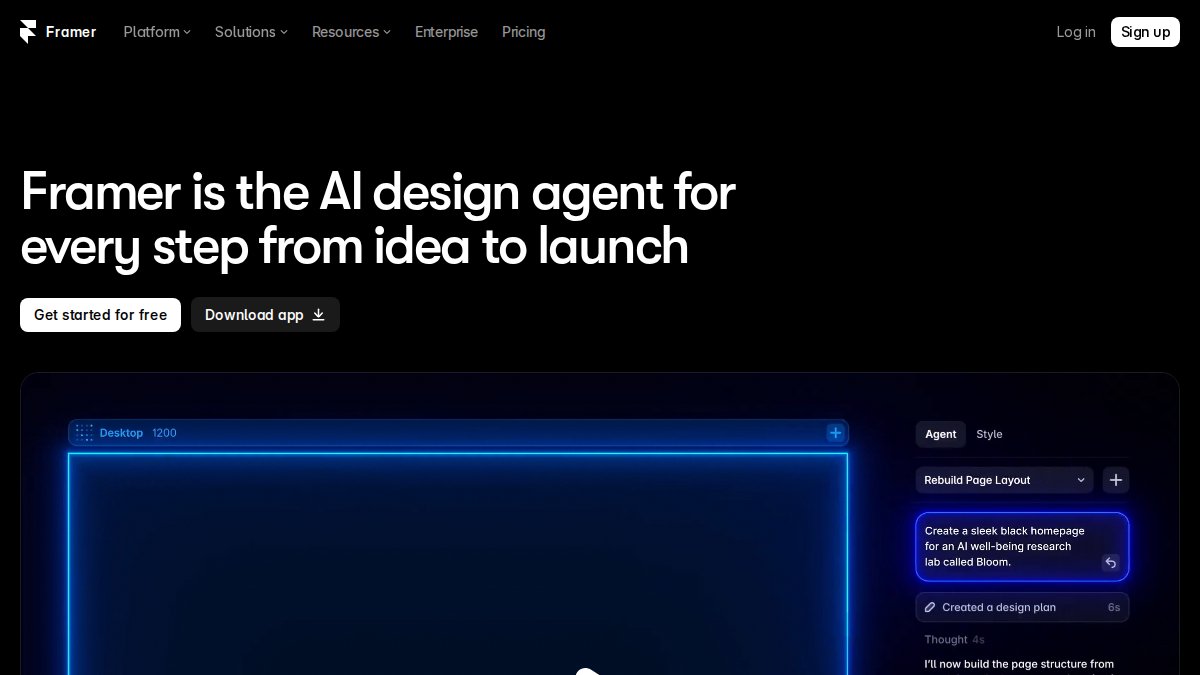
Framer suits marketing sites and startups where visual impact decides whether a visitor stays. Its canvas-based interface and animation tools produce results that look expensive, and it starts at £8/month with a free tier. Complex e-commerce is out of scope, so treat it as a front-end showcase rather than a shop.
IONOS takes the opposite approach, competing on human support rather than design flair. Industry-specific templates, integrated business email, and a personalised consultant come with introductory pricing from £1/month. The interface feels dated next to the others, but for owners who want a person on the phone, that trade is often worth making.
Pros and Cons
Pros:
- Framer delivers stunning animation and interaction
- IONOS offers excellent customer service
- Both keep entry pricing low
Cons:
- Framer is not suitable for complex e-commerce
- IONOS interface feels less modern than competitors
How to Build a Business Website Quickly
Speed comes from deciding your structure before you touch a builder. Sites that take weeks usually stall because the owner is still choosing a layout, not because the platform is slow.
- Write your page list first: home, services, about, contact, plus any product pages
- Draft your copy in a plain document before opening any editor
- Choose a builder that matches your page list, not the other way round
- Connect your domain and set up redirects if you are replacing an existing site
- Add analytics and a privacy policy before you publish, not after
- Launch, then iterate on the live site rather than perfecting a draft
Most of the time saved comes from step two. Writing copy inside a builder's editor is where hours disappear.
Frequently Asked Questions
Which website builder is best for a small business in the UK?
It depends on what you sell and how much time you have. For service businesses that want a professional site live within days, an AI-led platform such as Aleyo handles planning, design and engineering in one workspace. For product sellers, Shopify's inventory and payment tools are hard to match. Budget-conscious startups often choose Hostinger, while WordPress.org suits owners who want full control and plan to scale content over several years. Match the tool to your main goal rather than chasing the longest feature list.
Do I need a professional developer or a website builder in 2026?
Most small businesses no longer need a developer for a standard brochure or e-commerce site. Modern builders cover hosting, templates, SEO settings and payment gateways out of the box. You would only hire a developer for bespoke functionality, complex integrations or a highly custom design. If your site needs to do something unusual, such as connect to a specialist stock system, budget for development time on top of your builder subscription.
Are AI website builders better than traditional drag-and-drop tools?
They solve different problems. Drag-and-drop builders give you manual control over every element, which suits owners who enjoy design work. AI website design tools generate the structure, copy and layout for you, then let you edit the result. That is faster for anyone without design experience. Aleyo, for example, uses four specialist agents working in sequence and a live workspace where you edit word by word on the canvas, so you keep control without starting from a blank page.
What should I look for in a website builder for GDPR compliance?
Check four things: where your data is stored, whether the platform offers a data processing agreement, how consent banners and cookie controls are handled, and whether you can export or delete customer data on request. Under UK GDPR you are the data controller, so the builder's tools must let you meet those obligations. Ask the provider directly for their data processing agreement before you commit, and confirm which sub-processors they use.
How much does it cost to build a small business website in 2026?
Subscription prices in the UK market currently start at roughly £1 to £3 per month for introductory hosting deals and around £8 to £25 per month for mainstream builders, with e-commerce plans costing more. Domain names, business email and premium apps add to that. Aleyo's pricing depends on your requirements, so check their website for current rates. Treat any first-year discount carefully: renewal prices are usually higher than the headline figure.
Every builder on this list can produce a working site. The harder problem is keeping it fast, visible, and converting after launch, which is where most small businesses lose momentum. Aleyo handles that second phase with automated planning and engineering, real-time traffic, conversion, and SEO health monitoring, and integrated modules for blogging, branding, and e-commerce. Start building with Aleyo and launch a site that manages itself as much as you manage it.
FAQs
- It depends on what you sell and how much time you have. For service businesses that want a professional site live within days, an AI-led platform such as Aleyo handles planning, design and engineering in one workspace. For product sellers, Shopify's inventory and payment tools are hard to match. Budget-conscious startups often choose Hostinger, while WordPress.org suits owners who want full control and plan to scale content over several years. Match the tool to your main goal rather than chasing the longest feature list.
- Most small businesses no longer need a developer for a standard brochure or e-commerce site. Modern builders cover hosting, templates, SEO settings and payment gateways out of the box. You would only hire a developer for bespoke functionality, complex integrations or a highly custom design. If your site needs to do something unusual, such as connect to a specialist stock system, budget for development time on top of your builder subscription.
- They solve different problems. Drag-and-drop builders give you manual control over every element, which suits owners who enjoy design work. AI website design tools generate the structure, copy and layout for you, then let you edit the result. That is faster for anyone without design experience. Aleyo, for example, uses four specialist agents working in sequence and a live workspace where you edit word by word on the canvas, so you keep control without starting from a blank page.
- Check four things: where your data is stored, whether the platform offers a data processing agreement, how consent banners and cookie controls are handled, and whether you can export or delete customer data on request. Under UK GDPR you are the data controller, so the builder's tools must let you meet those obligations. Ask the provider directly for their data processing agreement before you commit, and confirm which sub-processors they use.
- Subscription prices in the UK market currently start at roughly £1 to £3 per month for introductory hosting deals and around £8 to £25 per month for mainstream builders, with e-commerce plans costing more. Domain names, business email and premium apps add to that. Aleyo's pricing depends on your requirements, so check their website for current rates. Treat any first-year discount carefully: renewal prices are usually higher than the headline figure.